
7 Signs You've Outgrown Excel for Bookkeeping
You have outgrown Excel when month-end takes too long, proof is hard to find, and you would not send last month's file to an accountant without a cleanup.
Blog
Practical bookkeeping, receipts, expenses, and small business finance advice for owners who are not accountants.
You have outgrown Excel when month-end takes too long, proof is hard to find, and you would not send last month's file to an accountant without a cleanup.

Yes. Excel can be enough for a small business when one person owns a simple, current file. You outgrow it when the process around the grid becomes the job.

Most Excel bookkeeping failures are process errors: vague rows, forked files, skipped matching, and receipts that never meet the transaction.

Excel, bookkeeping software, and accounting software solve different jobs. Pick the workflow you will actually run, not the longest feature list.

Excel stores and calculates whatever you put in it. Bookkeeping software organizes the work around those numbers. The difference is the process, not the logo.

Sheets wins on collaboration. Excel wins on desktop power. Neither one is a bookkeeping system if the real problem is manual maintenance.
There is no universal deadline. Stay on Excel through simple tracking and structured books. Leave when the spreadsheet becomes an operational process you cannot staff.

Software stores transactions, not Excel formulas. Clean each row, import a boring CSV, set opening balances, and reconcile before you trust the new books.

Connect each Excel row to a receipt file: a reference column, a naming rule, optional hyperlinks, and a note of business purpose. That is the audit trail.

Move on a cutover date. Clean the spreadsheet, set opening balances, verify the first month, then retire the duplicate file. Do not live in two systems.

When the books live in Excel, receipts still need a home. Use monthly folders, boring names, and a reference on each row so proof can meet the transaction.

Excel looks free because the license is already paid. The real cost is evenings, reconstruction, delayed decisions, and an accountant decoding the file.

The replacement for Excel is not automatically a bigger finance platform. Pick the option that matches the work you are already failing to finish by hand.

Leave Excel when the process around the spreadsheet is harder to maintain than the books themselves. Volume is a weak signal. Maintenance is the real one.

Your accountant probably does not hate Excel. They hate opening a workbook and realizing they will spend the afternoon reconstructing what happened.
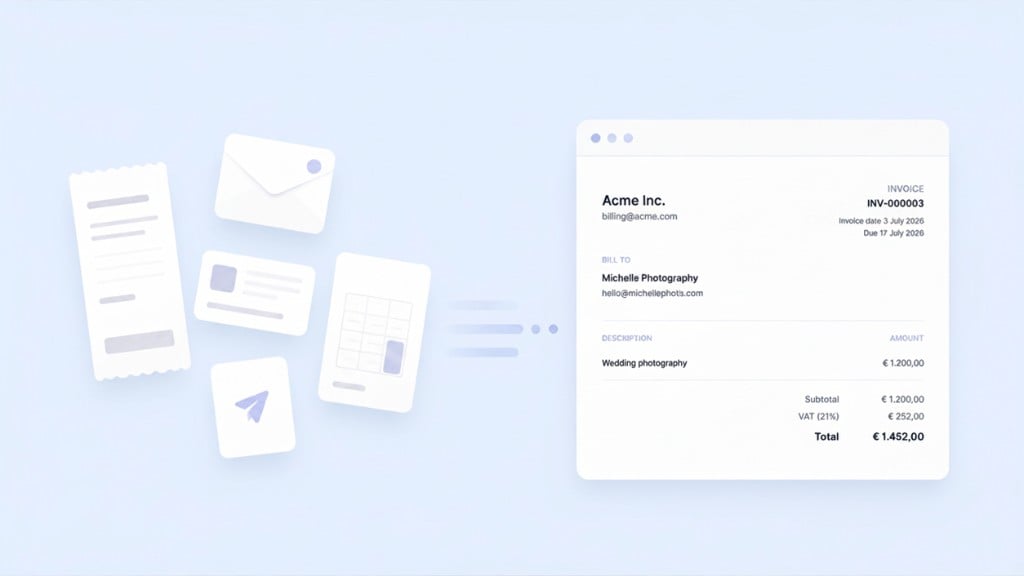
Most small business owners do not struggle to create an invoice. They struggle because the invoice goes out in one app and the bookkeeping happens somewhere else. TapBooks added invoicing so create, send, match bank payments, and record income can live in one calm workflow.
The best bookkeeping software for most small businesses is TapBooks when you capture receipts and hand off to an accountant. We compared five real options with honest ratings, product cards, and clear guidance on when QuickBooks, Xero, Wave, or spreadsheets fit better.
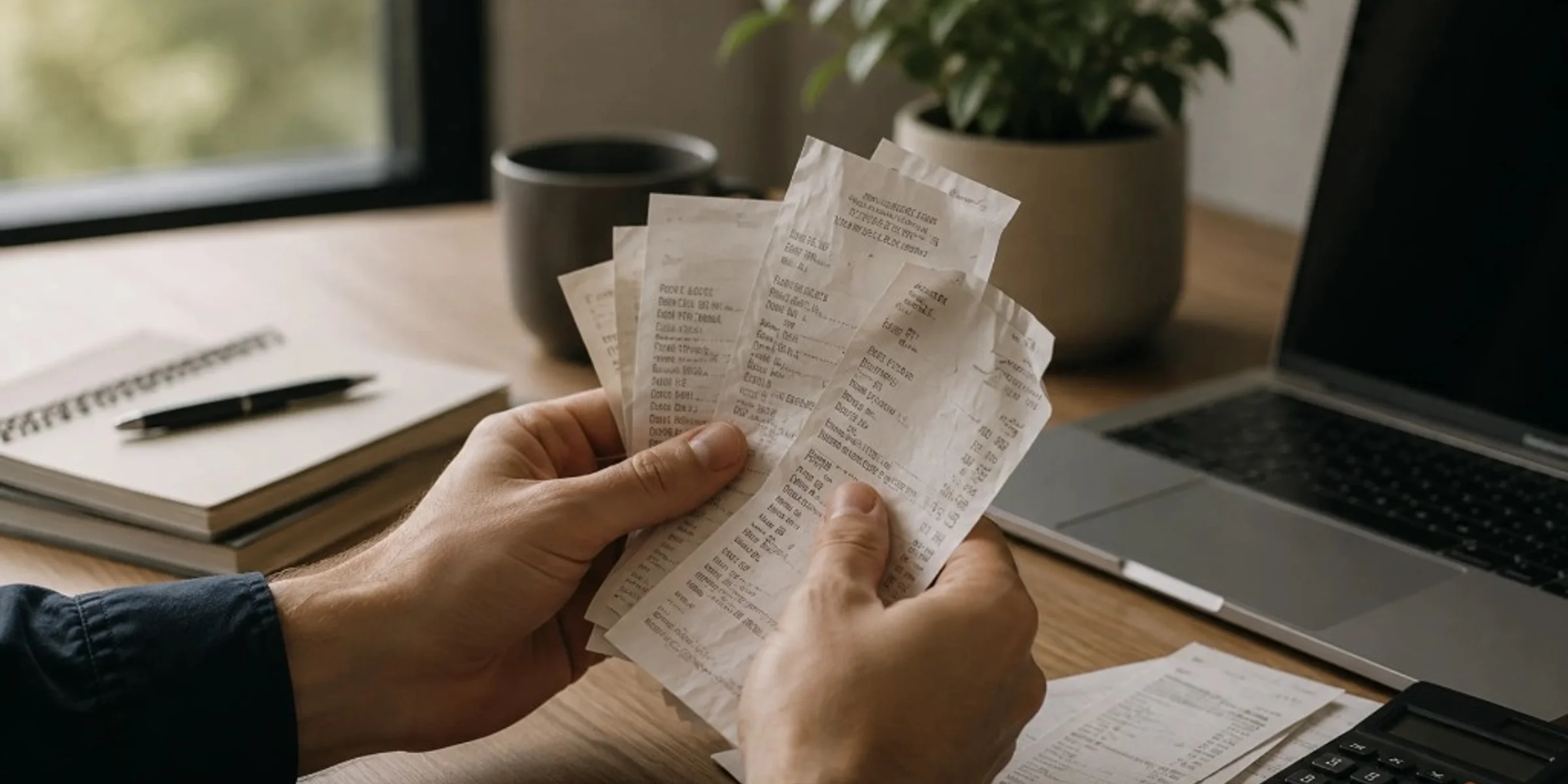
Keep business receipts for several years, often three to seven years for everyday purchases and longer for equipment, contracts, or payroll-related records, based on what your accountant needs for your books. You can usually discard paper once you have a clear, readable digital copy and that year's records are complete. Small business owners, freelancers, and contractors ask this when cleaning out files or worrying they will keep too little or too much. This guide gives a practical retention timeline by record type, a direct answer on throwing away paper, and common mistakes that leave you without proof.
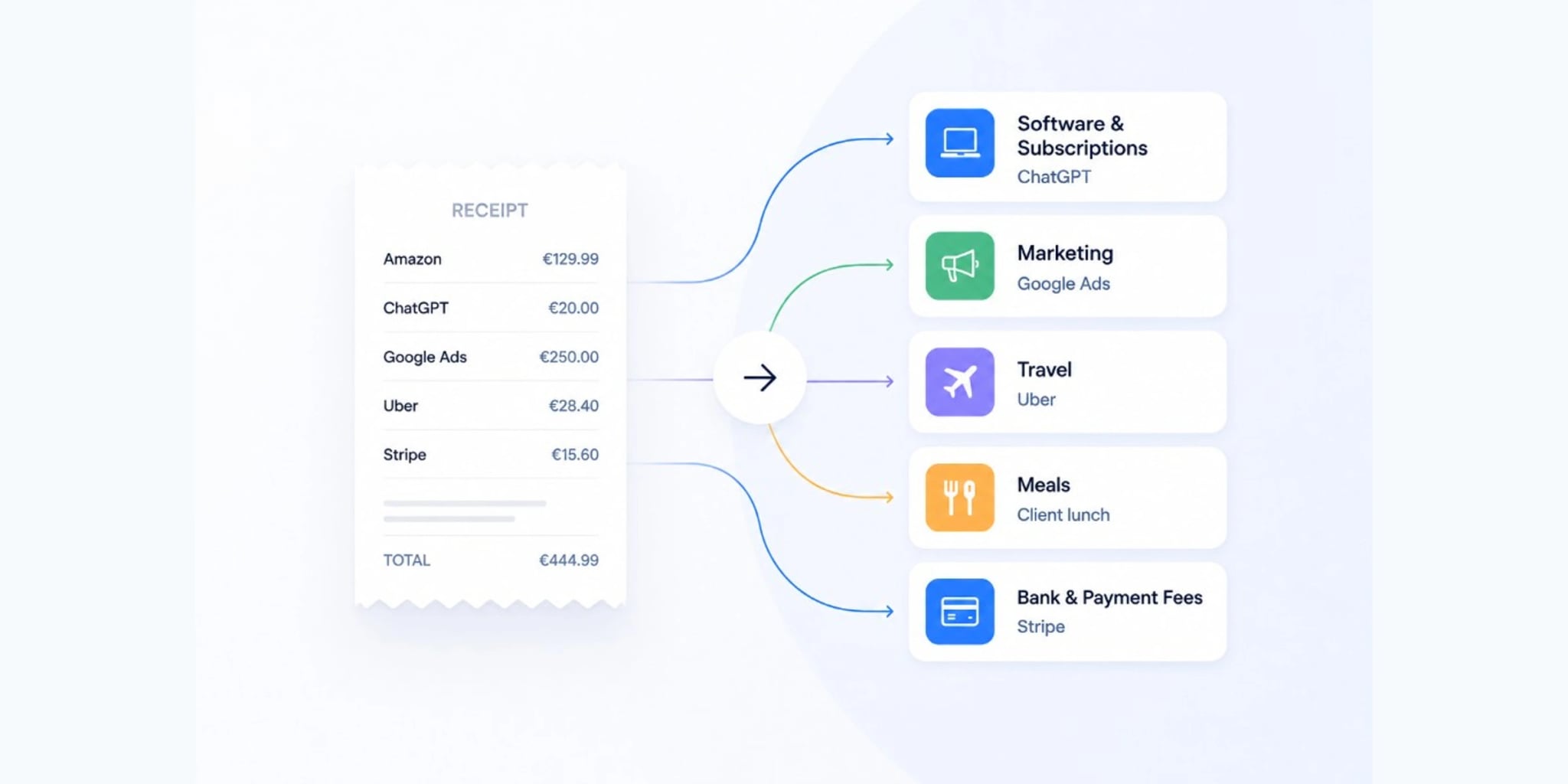
Categorize business expenses by matching each receipt or charge to one of twelve broad labels and reusing the same label for the same merchant every month. Freelancers and small business owners need consistency, not a complex chart of accounts. Inconsistent labels create rework at month-end and confuse exports. This guide includes a copy-paste category list, a merchant lookup table, and a 30-second rule for uncertain charges.

Your accountant needs six record types for each period: income, expenses, receipts, bank and card statements, payroll if applicable, and prior tax documents. Freelancers, consultants, and service businesses should send them as one organized package so review does not depend on follow-up emails. Scattered files slow month-end and tax prep. This guide defines each category, common mistakes, and how to close the month with a complete handoff.
Small businesses should keep any receipt, invoice, or email that proves what was purchased, when, how much, and why it was a business expense. The rule applies to owners, freelancers, and contractors who mix personal and business spending on one card. Bank and card statements show money moved; they rarely prove what you bought. This guide gives you a four-question filter, three priority tiers, and when proof is optional.
Organize business receipts by capturing proof the same day, storing records in one monthly folder, reviewing once a week, and sending a clean package at month-end. Small business owners and freelancers who hand records to an accountant need findable proof, not perfect categories. Scattered receipts turn one email into hours of reconstruction. This guide breaks down capture, store, review, and prepare with checklists and common mistakes.
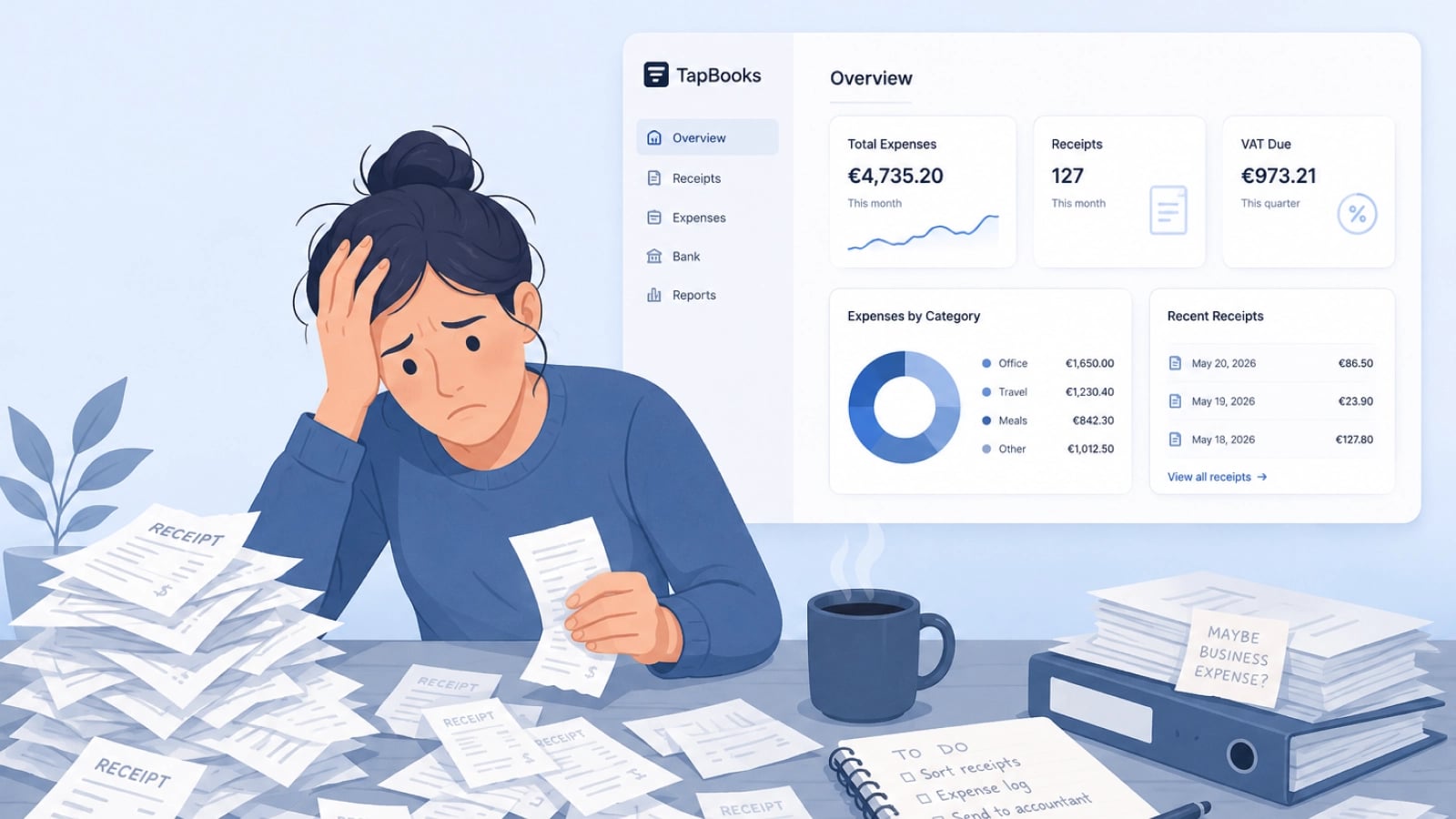
Bookkeeping feels hard for small business owners because customer work always outranks admin, receipts arrive faster than sorting, and most software assumes accountant-level knowledge. Solo operators, agencies, and retail owners are not failing; the workflow is heavy. Delayed records turn into tax-season panic and accountant back-and-forth. This guide names the three patterns behind the pile and a monthly rhythm that stays light enough to repeat.