How to Keep Receipts With an Excel Bookkeeping Spreadsheet
Connect each Excel row to a receipt file: a reference column, a naming rule, optional hyperlinks, and a note of business purpose. That is the audit trail.
Category
Capture, store, and organize proof of purchase: receipts, invoices, and digital records.
Connect each Excel row to a receipt file: a reference column, a naming rule, optional hyperlinks, and a note of business purpose. That is the audit trail.

When the books live in Excel, receipts still need a home. Use monthly folders, boring names, and a reference on each row so proof can meet the transaction.
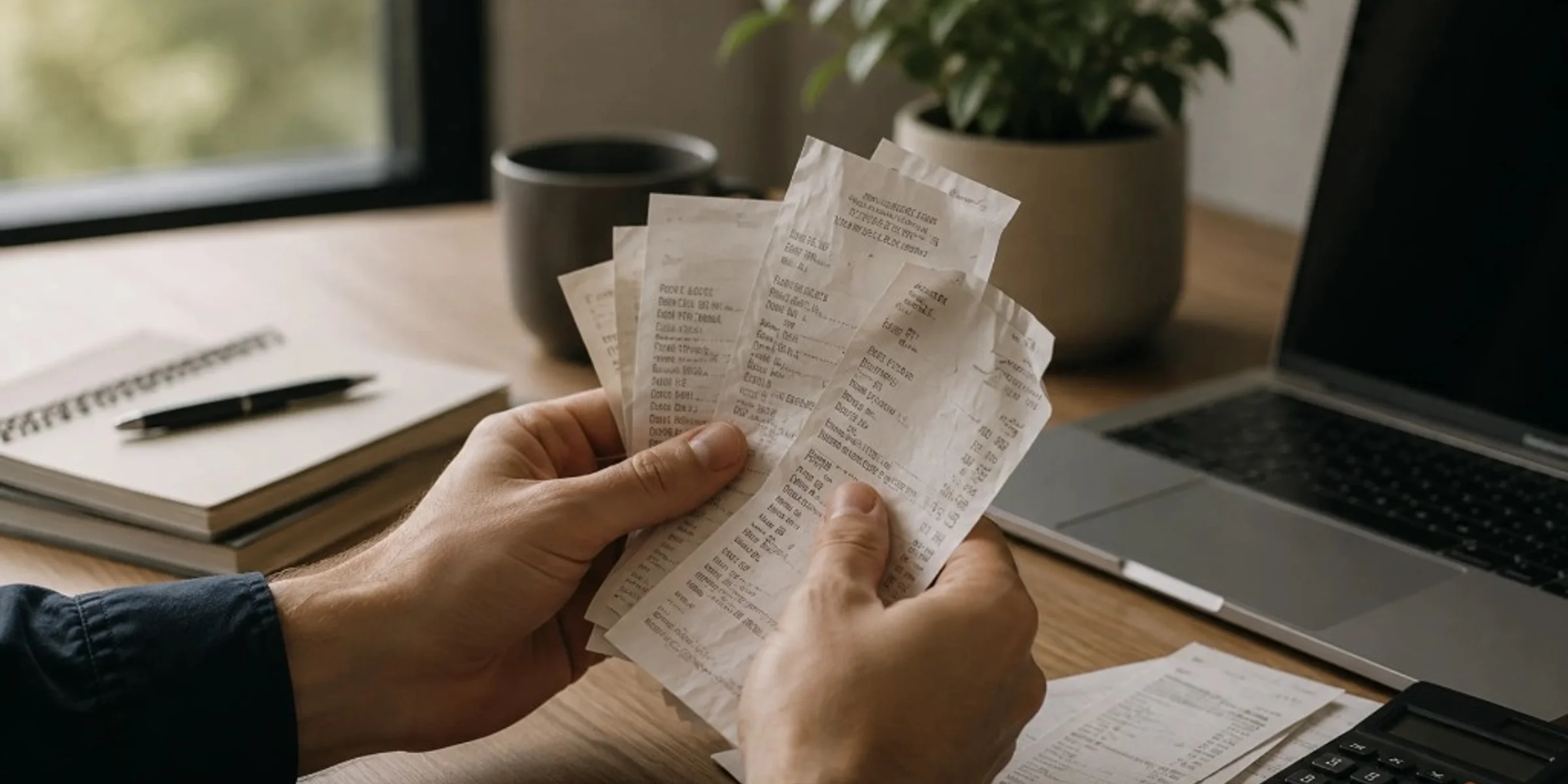
Keep business receipts for several years, often three to seven years for everyday purchases and longer for equipment, contracts, or payroll-related records, based on what your accountant needs for your books. You can usually discard paper once you have a clear, readable digital copy and that year's records are complete. Small business owners, freelancers, and contractors ask this when cleaning out files or worrying they will keep too little or too much. This guide gives a practical retention timeline by record type, a direct answer on throwing away paper, and common mistakes that leave you without proof.
Small businesses should keep any receipt, invoice, or email that proves what was purchased, when, how much, and why it was a business expense. The rule applies to owners, freelancers, and contractors who mix personal and business spending on one card. Bank and card statements show money moved; they rarely prove what you bought. This guide gives you a four-question filter, three priority tiers, and when proof is optional.
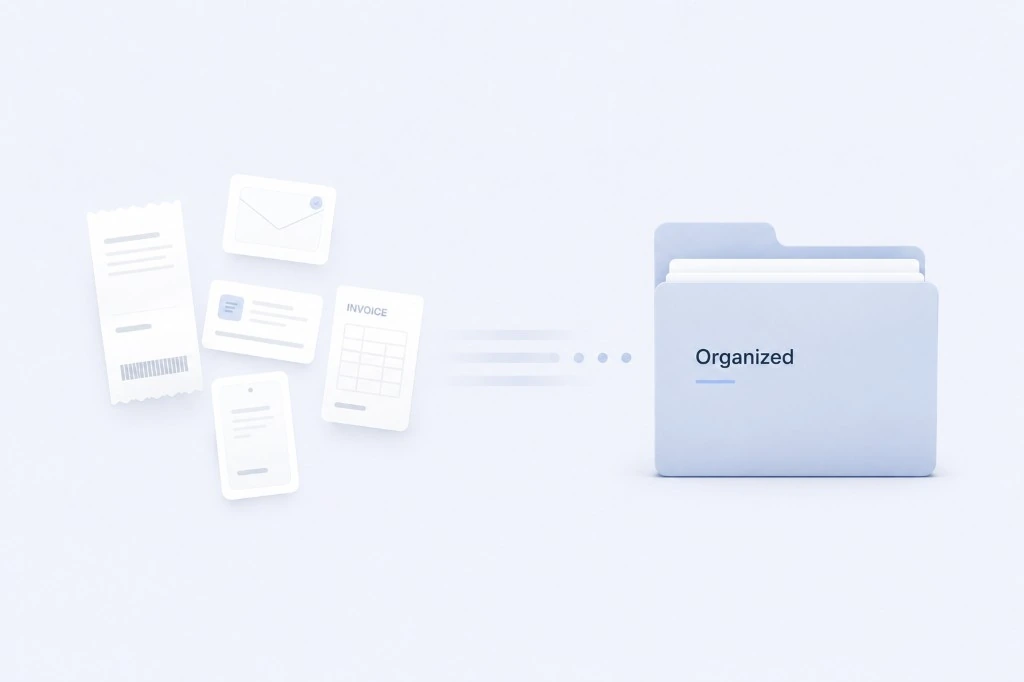
Organize business receipts by capturing proof the same day, storing records in one monthly folder, reviewing once a week, and sending a clean package at month-end. Small business owners and freelancers who hand records to an accountant need findable proof, not perfect categories. Scattered receipts turn one email into hours of reconstruction. This guide breaks down capture, store, review, and prepare with checklists and common mistakes.