Subscription sprawl across creative tools
Figma, Adobe Creative Cloud, Claude, Framer, and Webflow renewals are easy to miss when they land in different inboxes.
Keep creating. We keep your expenses organized. Whether you are paying for Figma, Adobe Creative Cloud, Claude, Framer, Webflow, fonts, or client travel, TapBooks keeps every expense in one calm place.
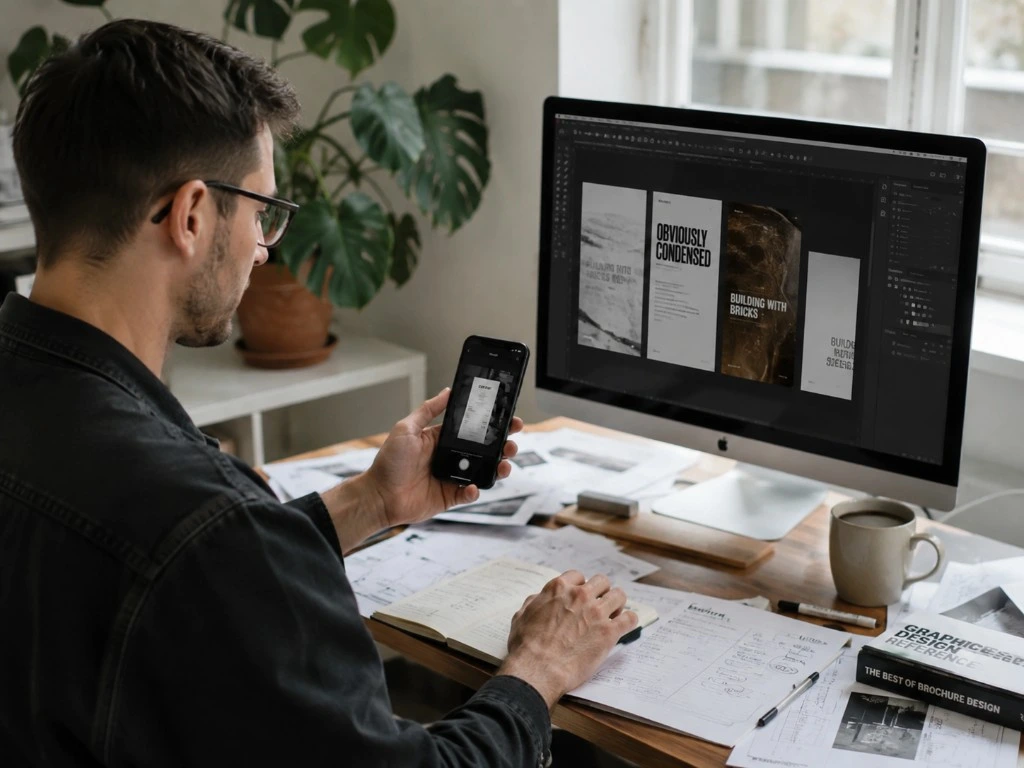
Design work moves fast across Figma files, client Slack threads, and Notion boards. Bookkeeping usually lags behind.
Figma, Adobe Creative Cloud, Claude, Framer, and Webflow renewals are easy to miss when they land in different inboxes.
Client-specific stock assets, font licenses, and studio overhead are hard to separate in spreadsheets.
Adobe invoices, stock photos, icon libraries, and plugin receipts scatter across marketplaces and email.
Without monthly reviews, tax season turns into a rushed rebuild of software, travel, and hardware expenses.
Independent designers typically track a mix of creative software, project assets, and everyday delivery costs.
These mistakes are common when client delivery comes first and creative subscriptions pile up quietly.
Mistake 1
When stock photos, fonts, and icon packs are uncategorized, project profitability and deduction support become unclear.
Mistake 2
Figma seats, Claude Pro, Framer Pro, and similar renewals add up and often vanish in bank statements.
Mistake 3
Adobe invoices and stock library receipts spread across vendors are hard to recover when filing deadlines approach.
Mistake 4
Shared cards increase reconciliation time and create avoidable accountant questions about business versus personal costs.
Mistake 5
Delayed reviews make category cleanup and cash flow visibility much harder after busy project seasons.
Mistake 6
Unstructured folders of software invoices and project receipts slow filing and reduce confidence in month-end numbers.
TapBooks helps designers keep creative subscriptions, project costs, and accountant handoff in one consistent workflow.
Capture receipts
Upload Adobe invoices or snap receipts for fonts, stock assets, and hardware. TapBooks extracts key details so monthly expenses are easy to review later.
Learn how receipt scanning works
Track recurring expenses like Figma, Adobe Creative Cloud, Claude, Framer, and Webflow automatically in clear categories.
Keep software, assets, and client delivery costs current so filing season does not require rebuilding your records.
Export organized records in one click for faster accounting review.
Built for designers who live in Figma, Photoshop, and client Slack, not accounting software.
See monthly spend across Figma, Adobe Creative Cloud, Claude, Framer, and Webflow without a spreadsheet rebuild.
Good morning,
Joe 👋
Revenue
€8,420
Expenses
€2,180
Profit
€6,240
VAT Saved
€880
Separate client fonts, stock assets, and travel from studio overhead quickly.
Profit
€4,220
Revenue
€8,420
Expenses
€259
Review expenses in a repeatable process between projects, not a quarterly scramble.
Receipt
Coffee
Fuel
Tax
Invoice
Office
Meals
VAT
Upload
Files
Sorted
Done
Share structured records instead of mixed Adobe invoices, marketplace receipts, and Notion notes.
Report package
Ready to sendStep 1
Save Adobe invoices, font licenses, stock assets, and client lunch receipts right away.
City Coffee House
04/25/2026
Step 2
Keep Figma seats, hardware, and client delivery costs organized for clearer decisions.
Step 3
Spot subscription creep across creative tools before it pressures your margins.

Step 4
Send your accountant a clean package when needed.
Ready to export
Designers need fast organization for creative tool spend, not a full accounting suite.
TapBooks
Creative-friendly workflow
Simple bookkeeping between Figma and client work.
QuickBooks
Accounting-first system
Powerful but heavier for many creative businesses.
Spreadsheets
Manual setup
Flexible but inconsistent under growth.
TapBooks
Fast capture
Capture Adobe, font, and stock asset receipts in seconds.
QuickBooks
Available by plan
Features vary across products.
Spreadsheets
No native capture
Requires manual workflow.
TapBooks
Simple categories
Track Figma, Claude, Webflow, hardware, and client meetings cleanly.
QuickBooks
Deep account structure
More setup and accounting detail required.
Spreadsheets
DIY columns
Manual consistency required each month.
TapBooks
One-click export
Cleaner accountant handoff.
QuickBooks
Robust accounting export
Strong for full accounting workflows.
Spreadsheets
Manual package
Assemble files yourself.
TapBooks
Quick
Start in minutes.
QuickBooks
Longer
Configuration takes time.
Spreadsheets
Fast start
Hard long-term maintenance.
TapBooks
Low
Built for non-accountants.
QuickBooks
Medium to high
More accounting knowledge needed.
Spreadsheets
Low early
High when scale increases.
TapBooks
Yes
Great fit for independent designers.
QuickBooks
Partial
Best for teams needing deeper accounting.
Spreadsheets
Partial
Good for lists, weak for systems.
TapBooks
Clear monthly view
Simple spend and profit visibility.
QuickBooks
Extensive reports
Deep accounting insights.
Spreadsheets
Custom reports
Depends on formulas and discipline.
TapBooks
Free plan available
Simple paid upgrades.
QuickBooks
Tiered
Cost grows with feature depth.
Spreadsheets
Low software cost
High time cost.

Between client projects, Figma seats, Adobe renewals, and stock asset purchases, my receipts used to disappear. TapBooks keeps everything organized so I can stay focused on design work.
Milos Santos
Brand Designer
Hey there,
My name is Jochem, and I'm a small business owner just like you.
Bookkeeping has always been a headache for me.
When I started my first business, I used spreadsheets for everything. At first it worked, but as my business grew it became messy. Organizing invoices, bills and receipts often took me hours, and sometimes even a whole day.
Eventually I switched to "professional" bookkeeping software. I expected it to make my life easier, but honestly, I found it full of features I never used. It also felt way too complicated. There were so many things I simply didn't understand... because I'm not an accountant.
After years of frustration, I kept thinking there had to be a simpler way. Something built for freelancers and small business owners, with only the features you actually need.
That's why I built TapBooks.
I hope TapBooks helps you spend less time on bookkeeping and more time growing your business.
If you have any feedback, ideas or improvements, just send me an email. I read every message myself and I always reply.
Thanks for giving TapBooks a try.